Data elements
When you're working with data, it is extremely valuable to visualize that data quickly, interactively, and from multiple different angles. That's what Streamlit is actually built and optimized for.
You can display data via charts, and you can display it in raw form. These are the Streamlit commands you can use to display and interact with raw data.
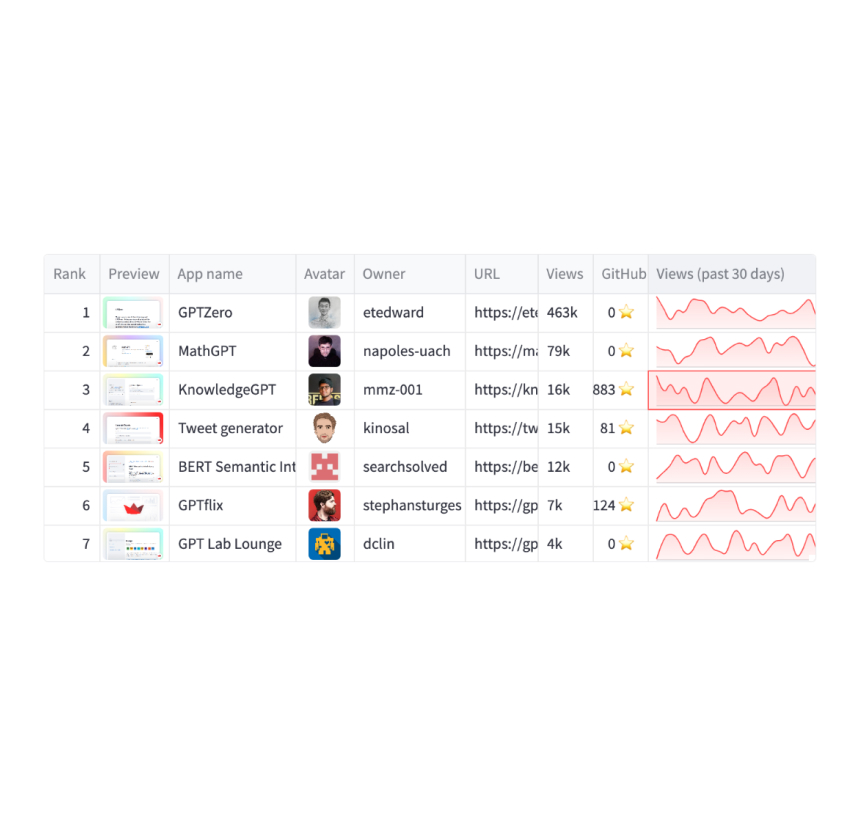
Dataframes
Display a dataframe as an interactive table.
st.dataframe(my_data_frame)
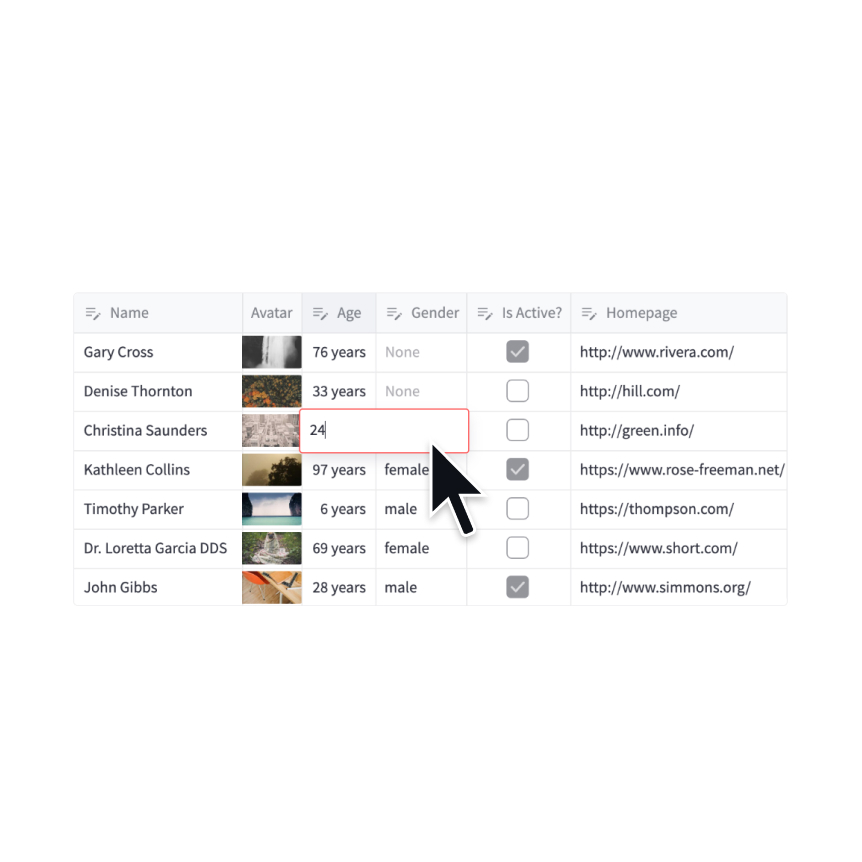
Data editor
Display a data editor widget.
edited = st.data_editor(df, num_rows="dynamic")
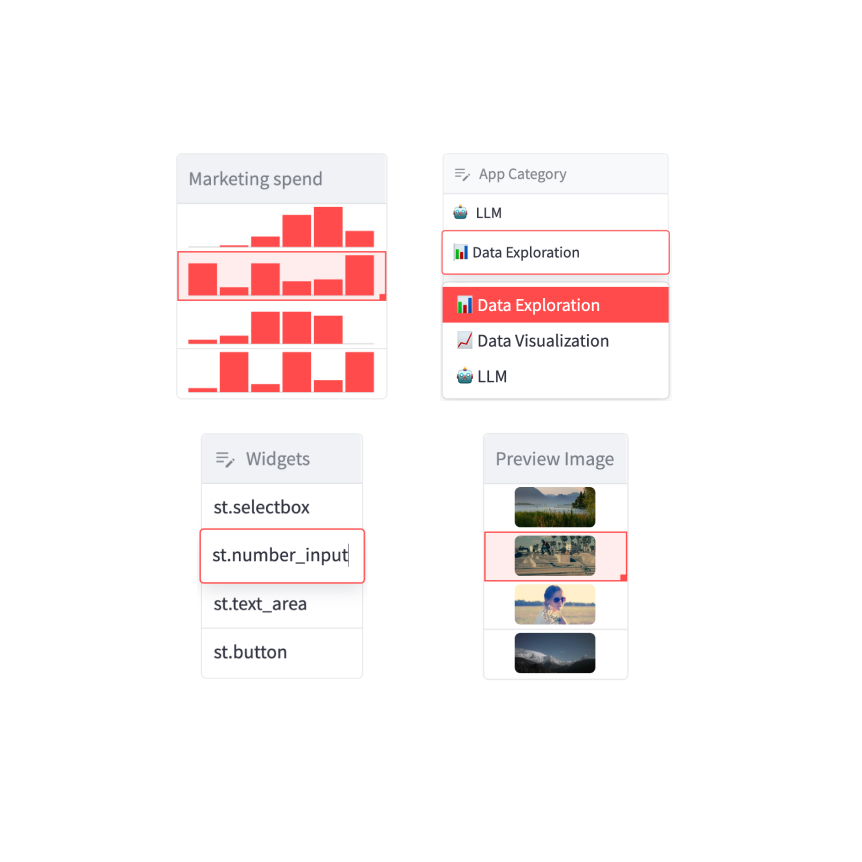
Column configuration
Configure the display and editing behavior of dataframes and data editors.
st.column_config.NumberColumn("Price (in USD)", min_value=0, format="$%d")
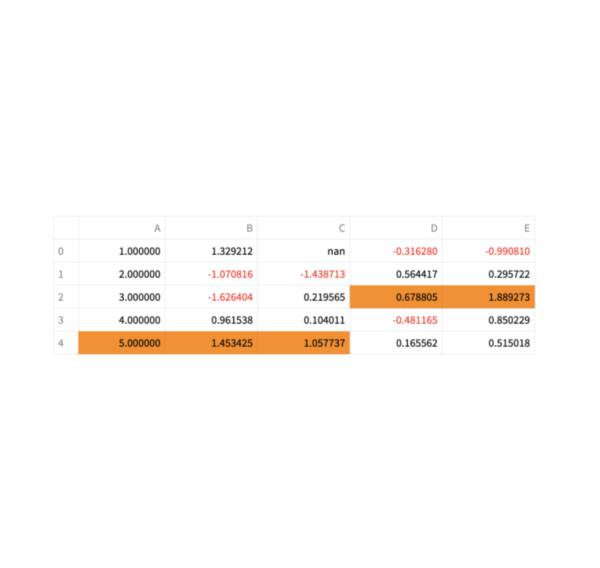
Static tables
Display a static table.
st.table(my_data_frame)
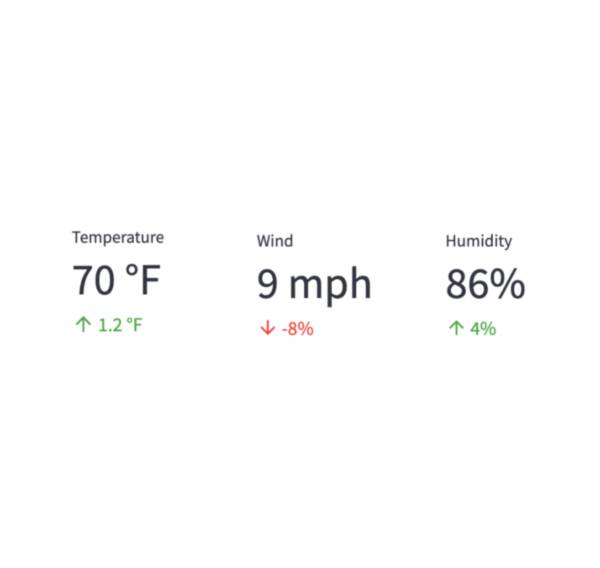
Metrics
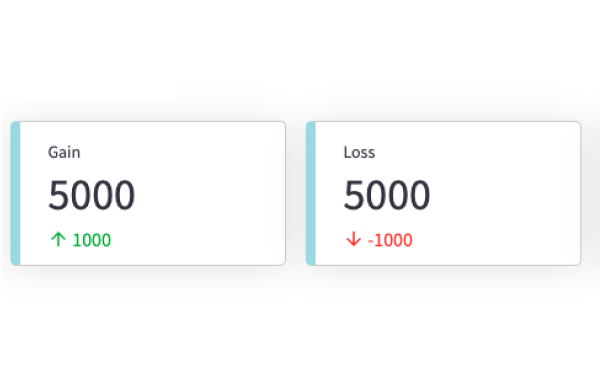
Display a metric in big bold font, with an optional indicator of how the metric changed.
st.metric("My metric", 42, 2)
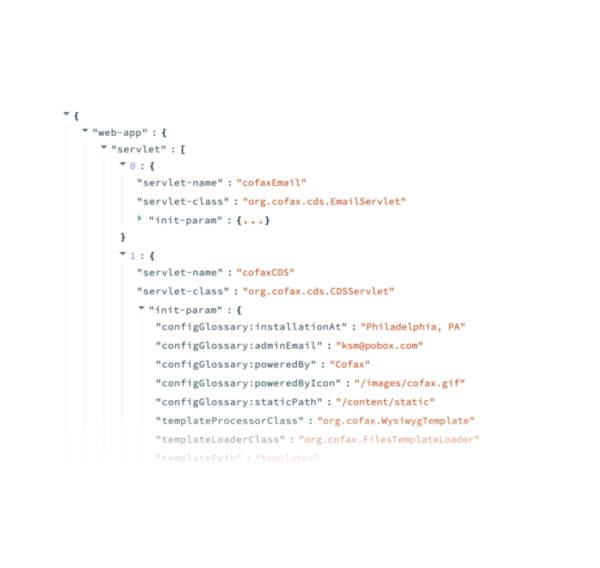
Dicts and JSON
Display object or string as a pretty-printed JSON string.
st.json(my_dict)
Third-party components
These are featured components created by our lovely community. For more examples and inspiration, check out our Components Gallery and Streamlit Extras!
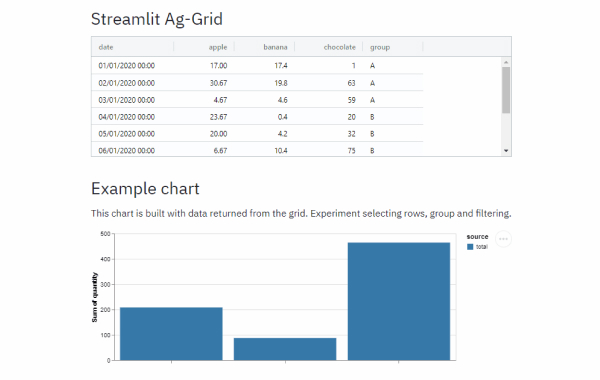
Streamlit Aggrid
Implementation of Ag-Grid component for Streamlit. Created by @PablocFonseca.
df = pd.DataFrame({'col1': [1, 2, 3], 'col2': [4, 5, 6]})
grid_return = AgGrid(df, editable=True)

new_df = grid_return['data']
Streamlit Folium
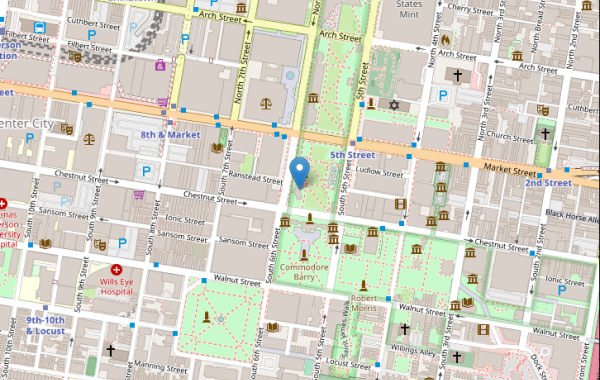
Streamlit Component for rendering Folium maps. Created by @randyzwitch.
m = folium.Map(location=[39.949610, -75.150282], zoom_start=16)
folium.Marker([39.949610, -75.150282], popup="Liberty Bell", tooltip="Liberty Bell").add_to(m)

st_data = st_folium(m, width=725)
Pandas Profiling
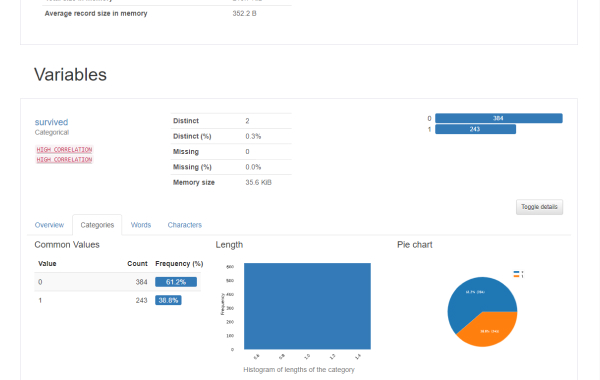
Pandas profiling component for Streamlit. Created by @okld.
df = pd.read_csv("https://storage.googleapis.com/tf-datasets/titanic/train.csv")
pr = df.profile_report()

st_profile_report(pr)
Still have questions?
Our forums are full of helpful information and Streamlit experts.